Swiftqueue
Online appointment booking system
Are you trying to book a blood test?
This page only contains information and resources about Swiftqueue. If you are a patient and wish to make an appointment please click here or scan the QR code.

Changes to how patients access Swiftqueue
From 1 July 2026, patients must access Swiftqueue using NHS login. The previous option to sign in using a Swiftqueue email address and password has been removed.
Patients who do not already have an NHS login can complete a simplified registration process before booking an appointment online.
Patients with appointments scheduled after 1 July 2026 have been contacted directly by Swiftqueue.
This change does not affect how patient information is stored.
For current information about booking an appointment, visit the Swiftqueue Help Centre.
What is Swiftqueue?
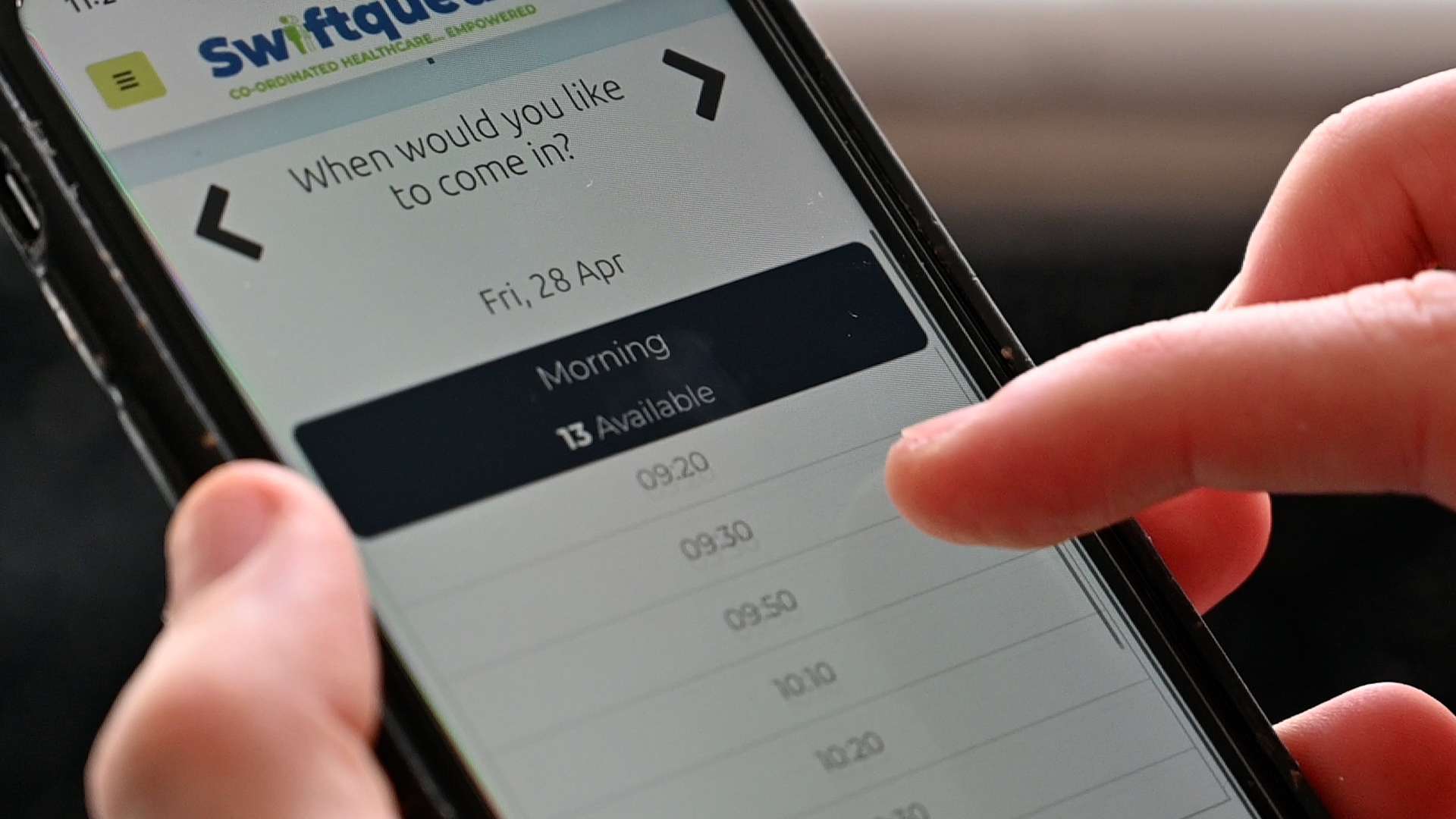
Swiftqueue is an online booking solution that helps to improve the patient experience.
Swiftqueue has worked with the NHS since 2013 and is used in more than 50 NHS Trusts around the UK. The booking system helps phlebotomy hubs manage patient flow, resulting in reduced wait times and overcrowding.
This page features a range of resources for patients and primary care colleagues, including the GP practice toolkit and answers to frequently asked questions.
Patient Communication Toolkit
See below for a series of resources and information for patients and colleagues
For current guidance on registering, using NHS login and booking or managing an appointment, visit the Swiftqueue Help Centre.
Poster for waiting areas
How to book an appointment for someone else
Visit the Swiftqueue Help Centre for guidance on booking an appointment for someone else.
Flyer for booking for yourself
Poster for waiting areas
How to book an appointment for someone else
Visit the Swiftqueue Help Centre for guidance on booking an appointment for someone else.
Flyer for booking for yourself
SMS template for patients.
Letter to members of patient participation groups.
Text template for uploading to GP Practice website.
Social media & Digital screen graphics
This guide explains how to set up an account for your GP Practice so you can book appointments on behalf of patients.
Frequently Asked Questions
We've answered some frequently asked questions below. You can also download a pdf version of the FAQs here.
Swiftqueue is an online booking system that allows patients to book their own blood tests at a convenient time and date. Patients can also view, reschedule and cancel their appointments online. Swiftqueue replaced the manual ticketing process and therefore all apointments, whether walk in or pre-booked, require a check via the Swiftqueue system.
Swiftqueue enables a more efficient, patient-centred phlebotomy process. It is a reliable and established booking platform that is successful in a range of NHS hospitals and clinics. It also helps to improve the patient experience by reducing wait times, over crowding waiting areas and allowing patients to manage their appointments at a convenient time and location.
In order to minimise your wait time we recomend you pre book your appointment on line.
Patients must now access Swiftqueue using NHS login. The previous option to sign in using an existing Swiftqueue email address and password has been removed.
Patients who do not already have an NHS login can complete a simplified registration process before booking an appointment online.
Yes, Swiftqueue allows patients to view, reschedule or cancel appointments online. View and manage your appointments by logging in to your account online and clicking My Appointments.
Patients now access Swiftqueue using NHS login. If you do not already have an NHS login, you will be guided through a simplified registration process before booking an appointment online.
For more information about how your personal information is used, please refer to the Swiftqueue Privacy Policy.
The change to NHS login does not affect how patient information is stored.
Swiftqueue Technologies Ltd (Swiftqueue), is the data controller of the personal data collected through the registration form.
Your information will only be used for the following reasons as better explained in the extended version of our Privacy Policy:
- To provide the service
- To communicate with you
- To improve and secure our services and our platform
- To provide anonymised statistics to the clinics
- To comply with legal and regulatory obligations applicable to us
- To manage any potential or actual disputes with you or third parties
Appointments can be made on behalf of someone else by adding them to an existing Swiftqueue account. Where this is not possible there is a limited walk in service that is supplementary to the online appointment system.
Synnovis’ friendly phlebotomy team are on hand to support you in making an appointment or, alternatively, you can use a kiosk which are available in phlebotomy clinic waiting areas.
A walk in service is a supplementary service, offered by the department to accommodate patients who are unable to use the online booking system ahead of their blood test.
There is a limited walk-in service for those unable to book online and staff at one of our sites can help you to book the next available appointment or you can use one of the kiosks to do this - please note this may not be the same day. If your GP has marked your tests as urgent, we will allocate you a same day appointment where possible.
There are limited numbers of same day appointments reserved for patients who require urgent blood tests or cannot use the online booking system without support.
The department will always offer you the next available appointment, however, depending on your time of arrival there is no guarantee this will be on the same day.
We will be holding a limited number of same day walk in slots each day for patients who need to be bled urgently as indicated by the GP request form.
Unfortunately, the phlebotomy team are unable to print forms from your GP. It is therefore important to have your original Tquest or blood request form with you when you arrive.
Without this, the team are unable to confirm patient identification or required tests needed to proceed with your blood test and therefore will be asked to return to the department when you have possession of your blood request form.
If you have lost your blood request form you will need to contact your GP for a replacement.
Last updated: 23/04/2025


